
Searching for a Warrant in Stearns County
Stearns County posts one searchable warrant list, and it is the place to start. The list is free. No account is needed. It covers criminal matters venued in Stearns County District Court, but it will not show every order that could touch a person. A full warrant check also uses the court case system, the citation payment records, and the warrant line.
- Open the Stearns County outstanding warrants list and search by last name, first name, and age.
- Add issue dates in mm/dd/yyyy format when you know roughly when a warrant was signed.
- Search the Minnesota court case system by name, case number, or citation number.
- Check the state Court Payment Center when the matter began as a traffic or petty citation.
- Call the warrant line at 320-259-3955 to confirm, then speak with an attorney before acting.
Note: an entry on the Stearns County list reflects what was published on a given date, not the current outcome of the case.
The Stearns County Outstanding Warrants Search
The Stearns County search form is small and forgiving. It holds optional issue-date boxes, a last name field, a first name field, and an age field, plus Search and Reset buttons. Filter by a partial name and the page promises nothing about how it matches. Try the full spelling first. The underlying database refreshes multiple times a day, yet the county says entries can still differ from court records. That gap is why the county asks people to confirm a specific warrant by phone. Phone confirmation settles it. The county jail roster system publishes the search interface, and the Stearns County Outstanding Warrants page shows the form, the disclaimer, the column headers, and the page controls.
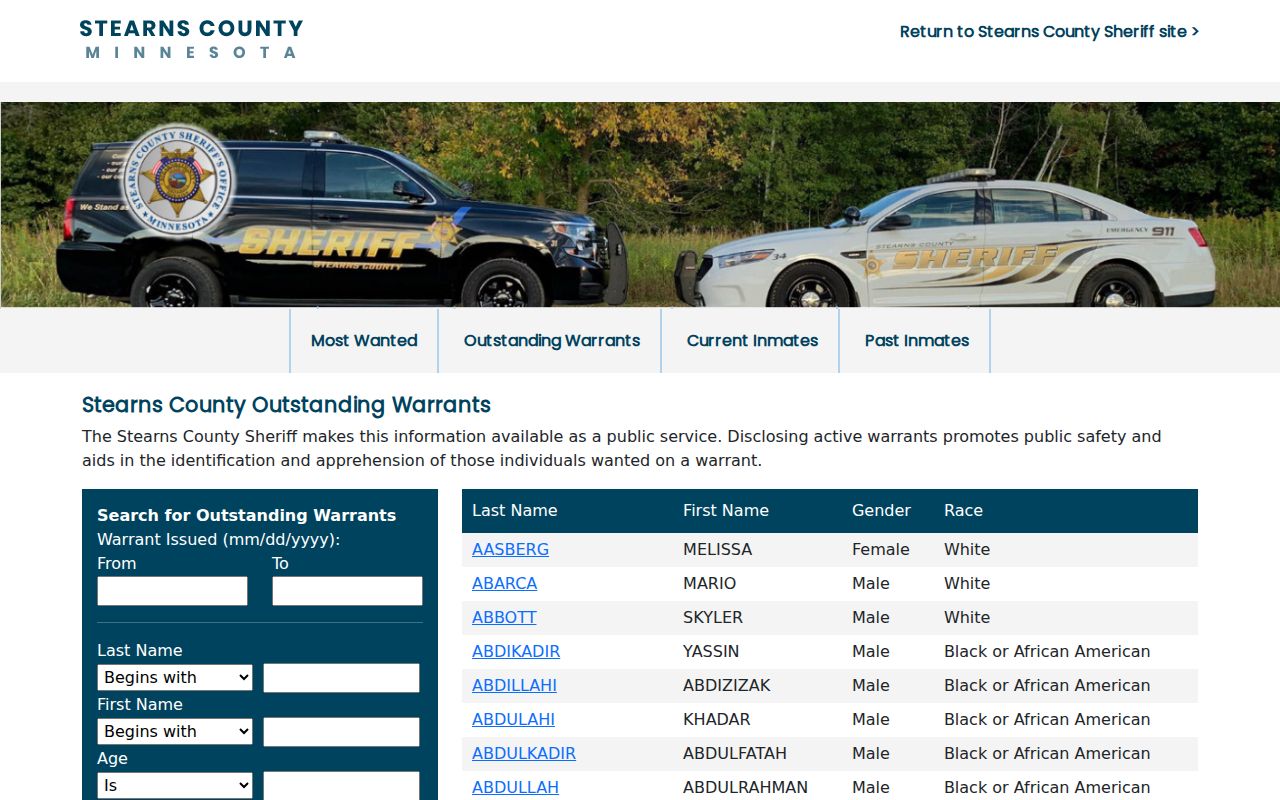
Read the disclaimer above the results before the results themselves. It explains which Stearns County warrants the list actually covers.
Warrant Search Fields Explained
The Stearns County form asks for less than most people expect. Only the buttons are required. Every other field is a filter you can add or clear, which helps when details are missing.
| Field Label | Type | Required | Notes |
|---|---|---|---|
| Warrant Issued From | Date | No | mm/dd/yyyy. A wrong format returns an invalid date message. |
| Warrant Issued To | Date | No | Must be later than the From date. |
| Last Name | Text | No | Partial matching is not documented, so try full spellings. |
| First Name | Text | No | Use it with a common surname to cut duplicate matches. |
| Age | Text | No | Helps separate people who share a name. |
| Search and Reset | Buttons | Yes | Reset clears filters and restores the full result set. |
Note: the Stearns County list displays last name, first name, gender, and race as sortable columns, and pagination moves through the rest.
Stearns County Warrant Search Date Filters
The date boxes are where people slip. Both accept mm/dd/yyyy only. Anything else draws a short format warning. The To date must fall after the From. A filter can work against you in a Stearns County warrant search, though. Set a window too old and a newly issued order vanishes from the results, which looks exactly like a clean record. When the date is unknown, leave both boxes empty and search by name.
What a Warrant Search Shows
A result opens as a profile. It mixes identification fields that describe a person with warrant fields that describe the order, so read a Stearns County result in that order.
| Warrant Number | The record identifier (Warrant No. 0000000), which the warrant unit uses to pull the file. |
|---|---|
| Warrant Issued | The date and time the order was signed. |
| Warrant Type | The court's category, such as arrest or bench warrant. |
| Offense | The alleged offense behind the order. |
| Issuing Agency | The court or agency that issued it, which can be blank in a displayed profile. |
| Bail Amount | A displayed figure that needs confirmation before anyone relies on it. |
A warrant number is not a court file number. Court staff in Stearns County search by the file number, so keep both if you have them.
Why a Stearns County Warrant Search Misses Records
The list has a stated boundary. Most misses come from crossing it. The disclaimer limits the list to criminal matters venued in Stearns County District Court. Juvenile files stay out, and so do sealed orders, civil matters, and warrants from another county. An order signed in the last day or two may also lag while the database catches up. Minnesota adds a second layer. Arrest-warrant index data can stay confidential until a person is taken into custody, served, or appears, and court records carry their own remote-access limits. Some Stearns County orders therefore exist without ever surfacing in a public search.
Where to Check Warrants in Stearns County
Three offices answer three different questions. The Sheriff's Office publishes the outstanding warrants list. It confirms what it holds on request. Stearns County District Court Administration keeps the case file, the hearing calendar, and the bond events, answering case-status questions at 320-656-3620. A city police department can explain where a citation or report came from. Minnesota has no public statewide warrant search. The Minnesota Government Access FAQ says no single query covers all active warrants or warrant history. The state criminal justice information system is restricted to authorized law-enforcement use, and the BCA public criminal history search returns conviction data rather than open Stearns County warrants.
Stearns County Court Records Behind a Warrant
Court records explain why a warrant exists. The public case search offers tabs for name, case number, citation number, and attorney. The name tab takes a last, first, and middle name, a date-of-birth range, a filing-date range, a case category, and a county. Pick Stearns County in that drop-down. Then open the case. The Register of Actions lists the events that produced the order. The Minnesota Court Records Online interface is the public entry point for these files. The state's warrant FAQ explains the red W marker beside a case party.
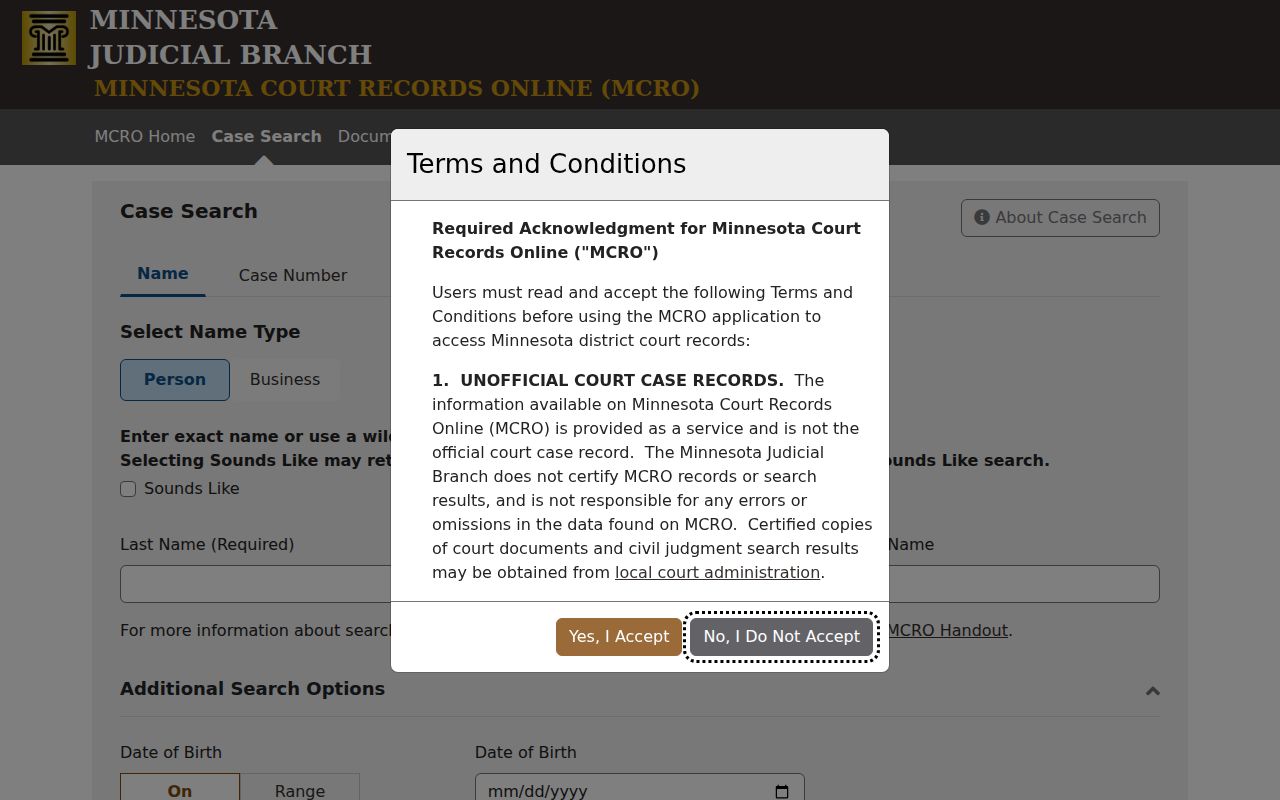
The Minnesota Court Records Online search holds the case history behind a Stearns County warrant. Its tabs cover a name, a case number, a citation number, and an attorney. Keep the case number in hand. The county list indexes one file one way. The state case search indexes it another.
Stearns County Warrant Search Confirmation Steps
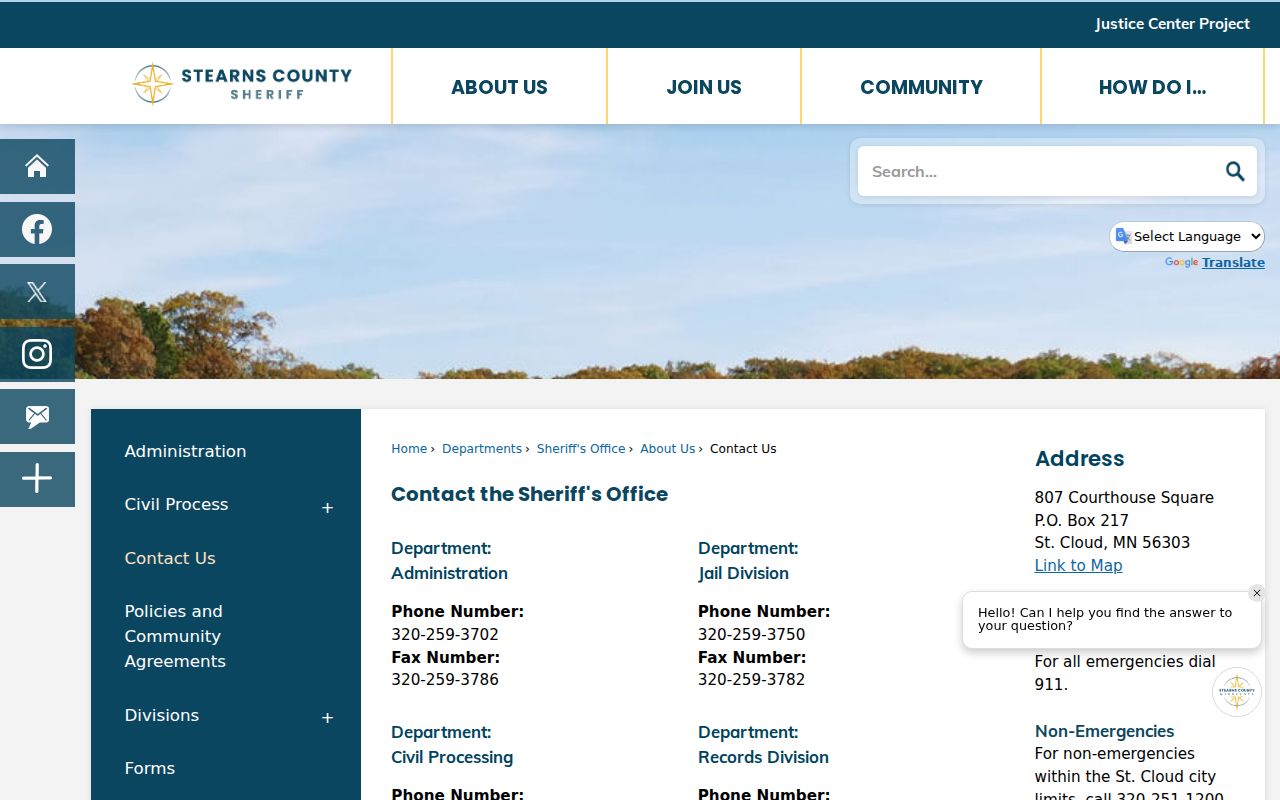
Treat any Stearns County warrant search result as a starting point, not the final word. One phone call settles it. The warrant line at 320-259-3955 can confirm the warrant number, name the issuing court, and explain what that court expects next. Before dialing, gather the person's full legal name, date of birth, and the city tied to the matter. Two cautions apply. A caller demanding payment for a warrant is not the county; the Sheriff has warned about impersonators. And a clean result still merits a call if a citation, complaint, or court letter arrived in the mail. The Sheriff's Office contact page shows the records desk, its email addresses, and the office channels behind that warrant line for anyone doing a warrant check in Stearns County.
Write down the warrant number from that call. Stearns County Court Administration, and any attorney, will ask for it first.
Restricted Warrants and Access Rules
Minnesota law splits what a government office must publish from what it may hold back. So records requests still work. But the answer in Stearns County depends on how the data is classified when you ask.
Key Rules:
Minn. Stat. §13.03 makes public data available to inspect free of charge, with copies billed at actual cost.
Minn. Stat. §13.82 keeps arrest-warrant index data confidential until custody, service, or an appearance.
Minn. Stat. §260B.171 restricts juvenile court records, so juvenile warrants stay out of public searches.
- Register of Actions
- The chronological list of events in a court file, including hearings, bond events, and warrant entries.
- Red W
- The court system marker beside a party that signals a possible warrant and has to be read in the case information.
- Sounds Like search
- A court search option that returns names spelled close to the one you typed.
- Bond status history
- Court events such as posted, forfeited, or discharged, with amounts held in the bond documents.